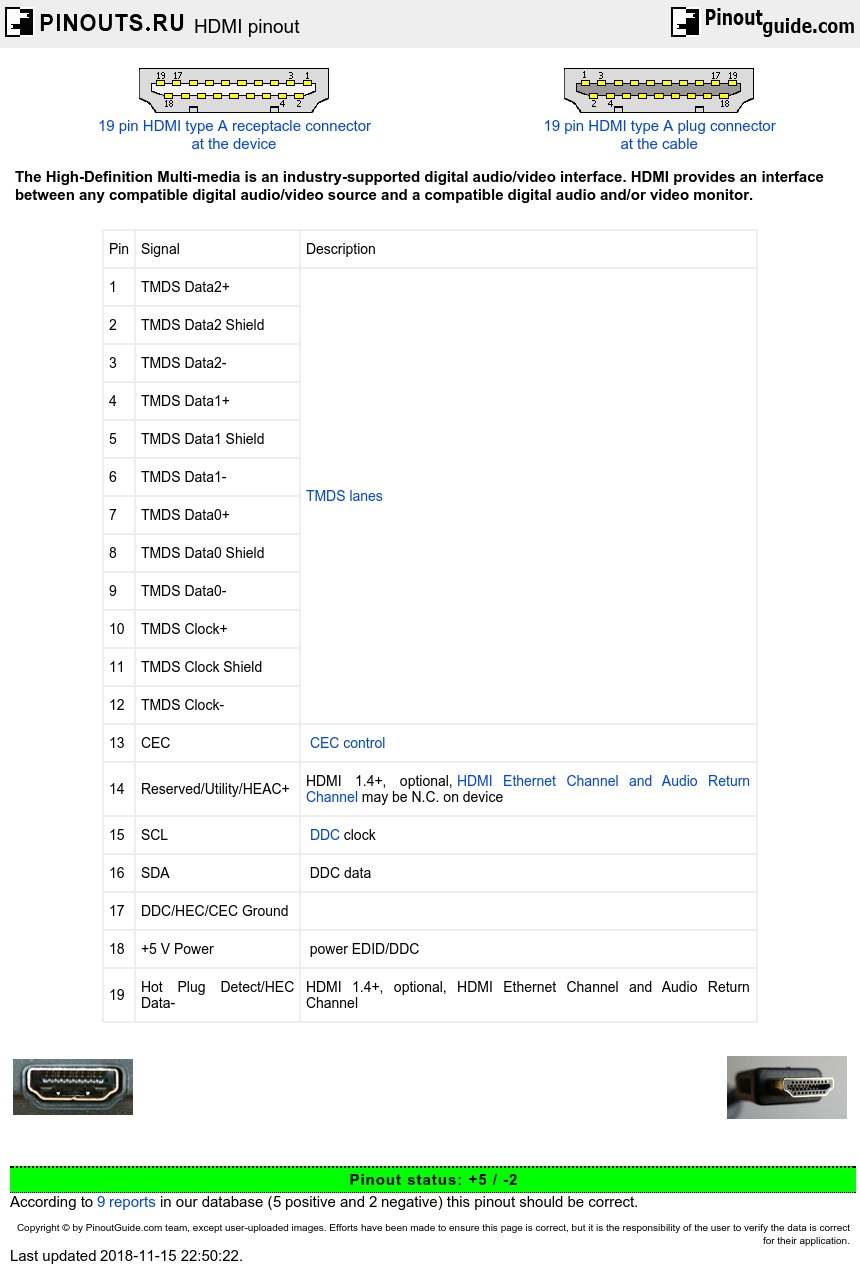

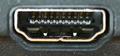
HDMI supports standard, enhanced, or high-definition video, plus multi-channel digital audio on a single cable. It is independent of the various DTV standards such as ATSC, DVB(-T,-S,-C), as these are encapsulations of the MPEG data streams, which are passed off to a decoder, and output as uncompressed video data, which can be high-definition. HDMI implements the EIA/CEA-861 standards, which define video formats and waveforms, transport of compressed, uncompressed, and LPCM audio, auxiliary data, and implementations of the VESA EDID. The video data is encoded into TMDS for transmission digitally over HDMI. HDMI also includes support for 8-channel uncompressed digital audio. Beginning with version 1.2, HDMI now supports up to 8 channels of one-bit audio. One-bit audio is what is used on Super Audio CDs.
The HDMI specification defines the protocols, signals, electrical interfaces and mechanical requirements of the standard. There are a number of HDMI-standard cable connectors available, each of which can be used for any uncompressed TV or PC video format, including standard, enhanced, high definition, and 3D video signals, compressed or uncompressed digital audio, CEC (Consumer Electronics Control) connection and an Ethernet data connection.
The HDMI specification defines the protocols, signals, electrical interfaces and mechanical requirements of the standard. There are five HDMI connector types. Type A/B HDMI connectors are defined in the HDMI 1.0 specification, type C (mini HDMI pinout) is defined in the HDMI 1.3 specification, and type D HDMI connector (micro HDMI pinout) and E are defined in the HDMI 1.4 specification.
The standard Type A HDMI connector has 19 pins, and a higher resolution version called Type B, has been defined, although it is not yet in common use. Type B has 29 pins, allowing it to carry an expanded video channel for use with high-resolution displays. Type-B is designed to support resolutions higher than 1080p.
Type A HDMI connector pinout
| Pin | Signal | Description |
| 1 | TMDS Data2+ | TMDS lanes |
| 2 | TMDS Data2 Shield | |
| 3 | TMDS Data2- | |
| 4 | TMDS Data1+ | |
| 5 | TMDS Data1 Shield | |
| 6 | TMDS Data1- | |
| 7 | TMDS Data0+ | |
| 8 | TMDS Data0 Shield | |
| 9 | TMDS Data0- | |
| 10 | TMDS Clock+ | |
| 11 | TMDS Clock Shield | |
| 12 | TMDS Clock- | |
| 13 | CEC | CEC control |
| 14 | Reserved/Utility/HEAC+ | HDMI 1.4+, optional, HDMI Ethernet Channel and Audio Return Channel may be N.C. on device |
| 15 | SCL | DDC clock |
| 16 | SDA | DDC data |
| 17 | DDC/HEC/CEC Ground | |
| 18 | +5 V Power | power EDID/DDC |
| 19 | Hot Plug Detect/HEC Data- | HDMI 1.4+, optional, HDMI Ethernet Channel and Audio Return Channel |
Type B HDMI connector pinout
| Pin | Signal | Description |
|---|---|---|
| 1 | TMDS Data2+ | |
| 2 | TMDS Data2 Shield | |
| 3 | TMDS Data2- | |
| 4 | TMDS Data1+ | |
| 5 | TMDS Data1 Shield | |
| 6 | TMDS Data1- | |
| 7 | TMDS Data0+ | |
| 8 | TMDS Data0 Shield | |
| 9 | TMDS Data0- | |
| 10 | TMDS Clock+ | |
| 11 | TMDS Clock Shield | |
| 12 | TMDS Clock- | |
| 13 | TMDS Data5+ | |
| 14 | TMDS Data5 Shield | |
| 15 | TMDS Data5- | |
| 16 | TMDS Data4+ | |
| 17 | TMDS Data4 Shield | |
| 18 | TMDS Data4- | |
| 19 | TMDS Data3+ | |
| 20 | TMDS Data3 Shield | |
| 21 | TMDS Data3- | |
| 22 | CEC | control |
| 23 | Reserved | (N.C. on device) |
| 24 | Reserved | (N.C. on device) |
| 25 | SCL | DDC clock |
| 26 | SDA | DDC data |
| 27 | DDC/CEC Ground | |
| 28 | +5V | power EDID/DDC |
| 29 | Hot Plug Detect |
TMDS channel carries audio, video and auxiliary data.
HDMI Signalling method
According to DVI 1.0 spec. Single-link (Type A HDMI) or dual-link (Type B HDMI).
Video pixel rate: 25 MHz to 165 MHz (Type A) or to 330 MHz (Type B). Video formats with rates below 25 MHz (e.g. 13.5 MHz for 480i/NTSC) transmitted using a pixel-repetition scheme. Up to 24 bits per pixel can be transferred, regardless of rate. Supports 1080p60.
Pixel encodings: RGB 4:4:4, YCbCr 4:4:4 (8 bits per component); YCbCr 4:2:2 (12 bits per component).
Audio sample rates: 32 kHz, 44.1 kHz, 48 kHz, 88.2 kHz, 96kHz, 176.4 kHz, 192 kHz, up to 8 audio channels .
An HDMI cable is composed of four shielded twisted pairs, with impedance of the order of 100 Ω, plus seven separate conductors. HDMI cables with Ethernet differ in that three of the separate conductors instead form an additional shielded twisted pair (with the CEC/DDC ground as a shield). Although no maximum length for an HDMI cable is specified, signal attenuation limits usable lengths in practice and certification is difficult to achieve for lengths beyond 15 m. Active HDMI cables (HDMI extenders) use electronics within the cable to boost the signal and allow for HDMI cables of up to 30 meters; those based on HDBaseT can extend to 100 meters; HDMI extenders that are based on dual Category 5/Category 6 cable can extend HDMI to 250 meters; while HDMI extenders based on optical fiber can extend HDMI to 300 meters.
HDMI standard defines some cable categories: Category 1 Standard cables, which have been tested at 74.5 MHz (resolutions 720p60 and 1080i60), and Category 2 High Speed cables, which have been tested at 340 MHz (resolutions 1080p60 and 4K30), Category 3 Ultra High Speed which is designed to support the 48 Gbit/s bandwidth of HDMI 2.1 (supporting 4K, 5K, 8K and 10K at 120 Hz)
HDMI has three physically separate communication channels, which are the DDC, TMDS and the optional CEC. HDMI 1.4 added ARC and HEC.
DDC
The Display Data Channel (DDC) is a communication channel based on the I²C bus specification. HDMI specifically requires support for the Enhanced Display Data Channel (E-DDC), which is used by the HDMI source device to read the E-EDID data from the HDMI sink device to learn what audio/video formats it supports.
TMDS
Transition Minimized Differential Signaling (TMDS) interleaves video, audio and auxiliary data using three different packet types, called the Video Data Period, the Data Island Period and the Control Period. During the Video Data Period, the pixels of an active video line are transmitted. During the Data Island period , audio and auxiliary data are transmitted within a series of packets. The Control Period occurs between Video and Data Island periods.Both HDMI and DVI uses TMDS.
CEC
Consumer Electronics Control (CEC) is an HDMI feature designed to allow the user to command and control up-to 15 CEC-enabled devices, that are connected through HDMI, by using only one of their remote controls
ARC and HEC
HDMI 1.4 introduces two features called ARC (Audio Return Channel) and HEC (HDMI Ethernet Channel). These features use two pins from the connector: a previously unused pin and the hot plug detect pin. If only ARC transmission is required, a single mode signal using the HEAC+ line can be used, otherwise, HEC is transmitted as a differential signal over the pair of lines, and ARC as a common mode component of the pair.
ARC is an audio link meant to replace other cables between the TV and the A/V receiver or speaker system. This direction is used when the TV is the one that generates or receives the video stream instead of the other equipment.
HDMI Ethernet Channel technology consolidates video, audio, and data streams into a single HDMI cable, and the HEC feature enables IP-based applications over HDMI and provides a bidirectional Ethernet communication at 100 Mbit/s. The physical layer of the Ethernet implementation uses a hybrid to simultaneously send and receive attenuated 100BASE-TX type signals through a single twisted pair.
Backward HDMI to DVI compatibility
Type A HDMI is backward-compatible with the single-link Digital Visual Interface (DVI) used on modern computer monitors and graphics cards. This means that a DVI source can drive an HDMI monitor, or vice versa, by means of a suitable adapter or cable, but the audio (sometimes) and remote control features of HDMI will not be available. No signal conversion is necessary, nor is there a loss of video quality when a DVI-to-HDMI adapter is used since HDMI signals are electrically compatible with the CEA-861 signals used by the digital visual interface (DVI). Additionally, without support for HDCP, the video quality and resolution may be artificially downgraded by the signal source to prevent the end user from viewing or especially copying restricted content. Type B HDMI is similarly backward-compatible with dual-link DVI.
HDMI Specifications
| HDMI Version | |||||
|---|---|---|---|---|---|
| 1.0–1.2a | 1.3–1.3a | 1.4–1.4b | 2.0–2.0b | 2.1 | |
| Release Date | Dec 2002 (1.0) May 2004 (1.1) Aug 2005 (1.2) Dec 2005 (1.2a) |
Jun 2006 (1.3) Nov 2006 (1.3a) |
Jun 2009 (1.4) Mar 2010 (1.4a) Oct 2011 (1.4b) |
Sep 2013 (2.0) Apr 2015 (2.0a) Mar 2016 (2.0b) |
Nov 2017 |
| Signal Specifications | |||||
| Transmission Bandwidth | 4.95 Gbit/s | 10.2 Gbit/s | 10.2 Gbit/s | 18.0 Gbit/s | 48.0 Gbit/s |
| Maximum Data Rate | 3.96 Gbit/s | 8.16 Gbit/s | 8.16 Gbit/s | 14.4 Gbit/s | 42.6 Gbit/s |
| Maximum Character Rate | 165 MHz | 340 MHz | 340 MHz | 600 MHz | 1.2 GHz |
| Data Channels | 3 | 3 | 3 | 3 | 4 |
| Encoding Scheme | 8b/10b | 8b/10b | 8b/10b | 8b/10b | 16b/18b |
| Compression (Optional) | - | - | - | - | DSC 1.2 |
| Color Format Support | |||||
| RGB | Yes | Yes | Yes | Yes | Yes |
| YCBCR 4:4:4 | Yes | Yes | Yes | Yes | Yes |
| YCBCR 4:2:2 | Yes | Yes | Yes | Yes | Yes |
| YCBCR 4:2:0 | No | No | No | Yes | Yes |
| Color Depth Support | |||||
| 8 bpc (24 bit/px) | Yes | Yes | Yes | Yes | Yes |
| 10 bpc (30 bit/px) | Yes | Yes | Yes | Yes | Yes |
| 12 bpc (36 bit/px) | Yes | Yes | Yes | Yes | Yes |
| 16 bpc (48 bit/px) | No | Yes | Yes | Yes | Yes |
| Color Space Support | |||||
| SMPTE 170M | Yes | Yes | Yes | Yes | Yes |
| ITU-R BT.601 | Yes | Yes | Yes | Yes | Yes |
| ITU-R BT.709 | Yes | Yes | Yes | Yes | Yes |
| sRGB | No | Yes | Yes | Yes | Yes |
| xvYCC | No | Yes | Yes | Yes | Yes |
| sYCC601 | No | No | Yes | Yes | Yes |
| AdobeYCC601 | No | No | Yes | Yes | Yes |
| Adobe RGB (1998) | No | No | Yes | Yes | Yes |
| ITU-R BT.2020 | No | No | No | Yes | Yes |
| Audio Specifications | |||||
| Max. Sample Rate Per Channel | 192 kHz | 192 kHz | 192 kHz | 192 kHz | 192 kHz |
| Max. Aggegrate Sample Rate | ? | ? | 768 kHz | 1536 kHz | 1536 kHz |
| Sample Size | 16–24 bits | 16–24 bits | 16–24 bits | 16–24 bits | 16–24 bits |
| Maximum Audio Channels | 8 | 8 | 8 | 32 | 32 |
| 1.0–1.2a | 1.3–1.3a | 1.4–1.4b | 2.0–2.0b | 2.1 | |
| HDMI Version | |||||

 correct
 incorrect